Page 1 of 1
Still can't get animations to 'stay working'
Posted: Thu Jul 29, 2010 11:57 am
by dunion
If I start a new project based on a theme, don't change anything about the theme but open up the form with the avi on it and save it - gray.avi in this case. I just deleted the html control from the form, nothing else. From then on the animations (target x64, dev platform x64) stop animating. They no longer animate in preview or the designer. I can't set the 'active' property to true for the object.
Further, if I just blank out and try to 'retype' gray.avi in the same field in the object's property box, the IDE no longer allows it;
I have to type the full path
C:\Program Files (x86)\InstallAware\InstallAware 9 R2\interop\templates\gray.avi
otherwise it says it's invalid.
I still clear out the extra stuff in the .baggage file but the animation no longer works in the designer or the resulting package.
Is there a known fix for this yet?
Re: Still can't get animations to 'stay working'
Posted: Wed Aug 04, 2010 8:18 pm
by mills
What version of InstallAware are you using?
I'm noticing that if I create a dialog with an animation (and nothing else), then close the dialog editor, then immediately open the dialog I just created, the animation control appears like a control that hasn't had its FileName property set (in the designer). The animation's "static image" also doesn't appear in the Preview in the Dialogs/Theme view (see below).
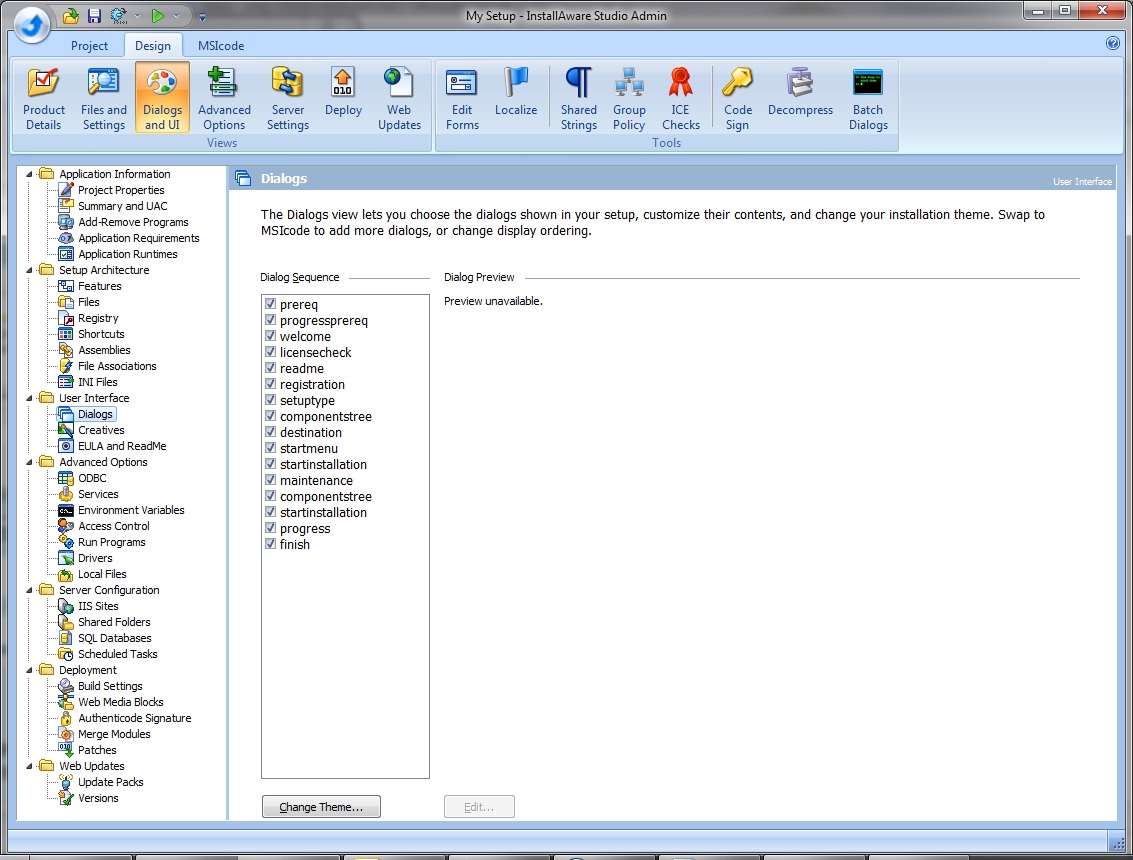
- DialogsUI.jpg (227.93 KiB) Viewed 5246 times
However, if I test the dialog by clicking on the test lightning bolt icon, the animation is observable:
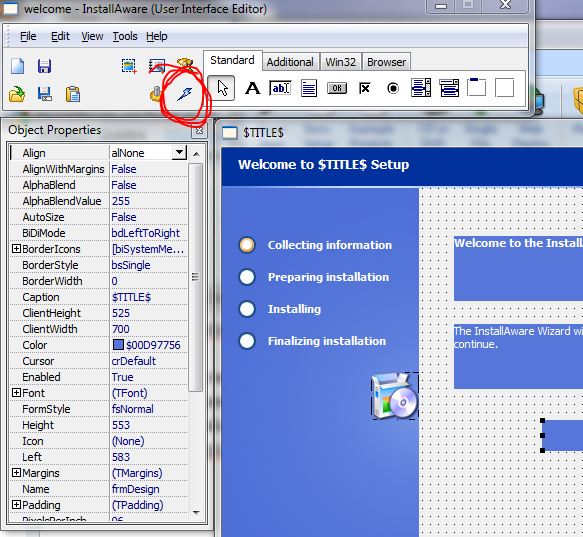
- TestLightningBolt.JPG (90.47 KiB) Viewed 5246 times
Additionally, the animations appear properly when running the setup.exe.
Of course, I'm running the latest version of InstallAware 9 R2 (Build Moya.sp3.070910)
What do you mean by "I can't set the 'active' property to true for the object." Do you mean 'enabled' property? For which object?
Re: Still can't get animations to 'stay working'
Posted: Thu Aug 05, 2010 11:50 am
by dunion
version: I installed r2 sp3 from the website but when I press the 'version' the screen still shows moya.sp1.070409
but the folder it installed in is R2.
I have the studio edition, so please verify with that. The actual object the animation is in (I'm currently using the titanium theme, for example, on the prerequisites progress page) - it has a property of 'active' but it's always false and can't be set in the IDE to anything else.
I've re-installed the download twice to try to make sure I have the current one installed.
Re: Still can't get animations to 'stay working'
Posted: Thu Aug 05, 2010 11:59 am
by dunion
Note that at runtime it doesn't animate at all, I just see the white box after this. The only way it works is if I start with the template and don't ever change the form. So if you edit something on the form (delete a control) and save it is broken for me. The best way to duplicate would be to on an x64 box run the studio edition, do a new setup with the wizard, just say yes to everything (pick some dummy folder with an .exe), save and build. Then switch to titanium. Then open the progress req. form or the progress form, delete the html container control from the form and save it.
Then close the form editor.
Re open the form editor, not that the animation is broken. Build the setup, run it on x64 (to make sure we're comparing apples vs apples) and the animation will not be animating. It doesn't matter if you fix the .baggage file or not (to remove the path information that gets written in).
Then go back and try to change the name of the .avi file to one of the other ones that come with IA. Note it won't let you; once you try you have to now include full path info -then you can see the animation in the designer until you save and close that form, then it will not be animating next time you re-open the designer, nor will it work in the setup.
Re: Still can't get animations to 'stay working'
Posted: Thu Aug 05, 2010 2:41 pm
by mills
Running in circles! There is much more relevant information and a proposed work-around in
this post.